
The native vs hybrid question usually appears after a founder has already felt the pressure. The web product is working. Users are asking for mobile. Someone on the team says "we need both iOS and Android", and suddenly a product decision starts to feel like a technical identity crisis.
I do not think this decision should start with a framework preference. It should start with a small, slightly uncomfortable question: if this app succeeds, what will be painful to change six months from now?
That question changes the conversation. It moves the founder away from "which stack is trendy?" and toward "what kind of product are we actually building?" That is where the useful answer lives.
Hybrid is strongest when learning speed matters more than platform poetry
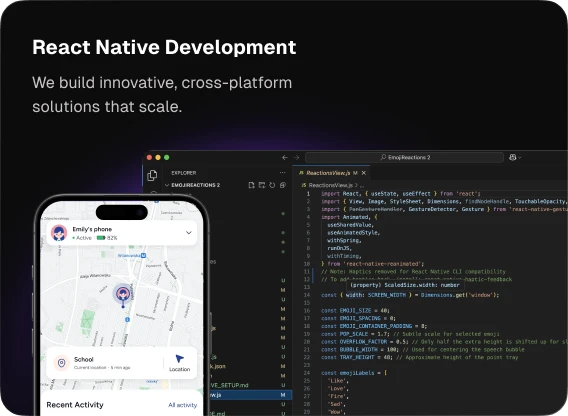
Hybrid is not the cheap version of native. That is the wrong frame. Used well, it is a product-speed decision: one team, one product model, shared UI patterns, and faster learning across two platforms.
In practice, hybrid usually means one of three paths. React Native or Flutter share most of the UI and business logic across iOS and Android. Capacitor or Ionic wrap an existing web app in a native shell — fast to ship, but often weaker when the product needs deep device behavior. Founders rarely need to pick the specific tool on day one. They need to know whether a shared codebase matches the product risk.
For founders, that matters because the first version of a mobile product is rarely the final one. You ship a flow. Users misunderstand it. You move a screen. You remove a feature the team loved. You add a tiny interaction that suddenly makes the product feel obvious.
If all of that learning has to happen twice, once in iOS and once in Android, your product rhythm slows down. A hybrid stack can keep that rhythm tighter when the app is mostly product flows, forms, feeds, dashboards, payments, onboarding, creator tools, or account-based workflows.
RueBlur is the kind of product where this logic makes sense. A creator social platform with Rate+React interactions and Stripe monetization needs fast product movement on both iOS and Android. We built it with React Native — one of the hybrid paths, not the only one — because the hard question was not whether a button could be more native in Swift. The hard question was whether creators understand the loop, whether the monetization flow feels safe, and whether the team can test the next product idea without rebuilding the same thing twice.
| Hybrid is usually right when | What that means for a founder |
|---|---|
| You need iOS and Android near the same time | The team can spend more time improving the product and less time duplicating screens. |
| The app is product-flow heavy | Feeds, profiles, forms, creator tools, subscriptions and dashboards can share a lot of work. |
| You expect the first 90 days to change a lot | Iteration speed can matter more than platform-specific perfection. |
| Your maintenance team is small | A shared codebase can be easier to keep alive after launch. |
Native is strongest when the app should feel born on the device
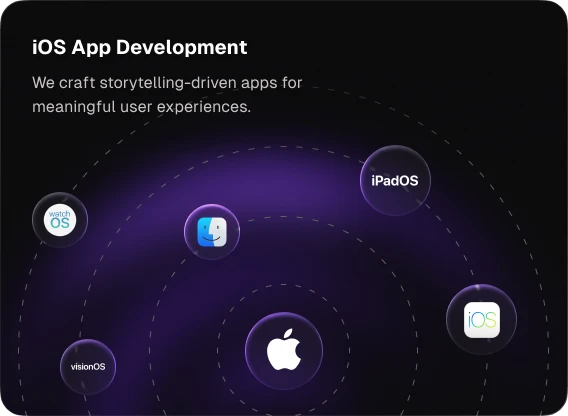
Native becomes the better answer when the app depends on the platform in ways users can feel. That could mean camera work, background audio, local data, push behavior, Apple sign-in, StoreKit, permissions, Face ID, HealthKit, widgets, or a motion system that needs to feel tuned rather than translated.
This is also where emotion enters the product. The founder may describe the requirement as "we want it to feel premium", but what they really mean is: I want users to trust this. I want the app to feel calm. I do not want my company to look smaller than the problem we are solving.
That feeling comes from small details. The way a sheet settles. The way a recording state survives backgrounding. The way authentication returns without a weird blank screen. The way text fields, menus, haptics and transitions all quietly agree with the operating system.
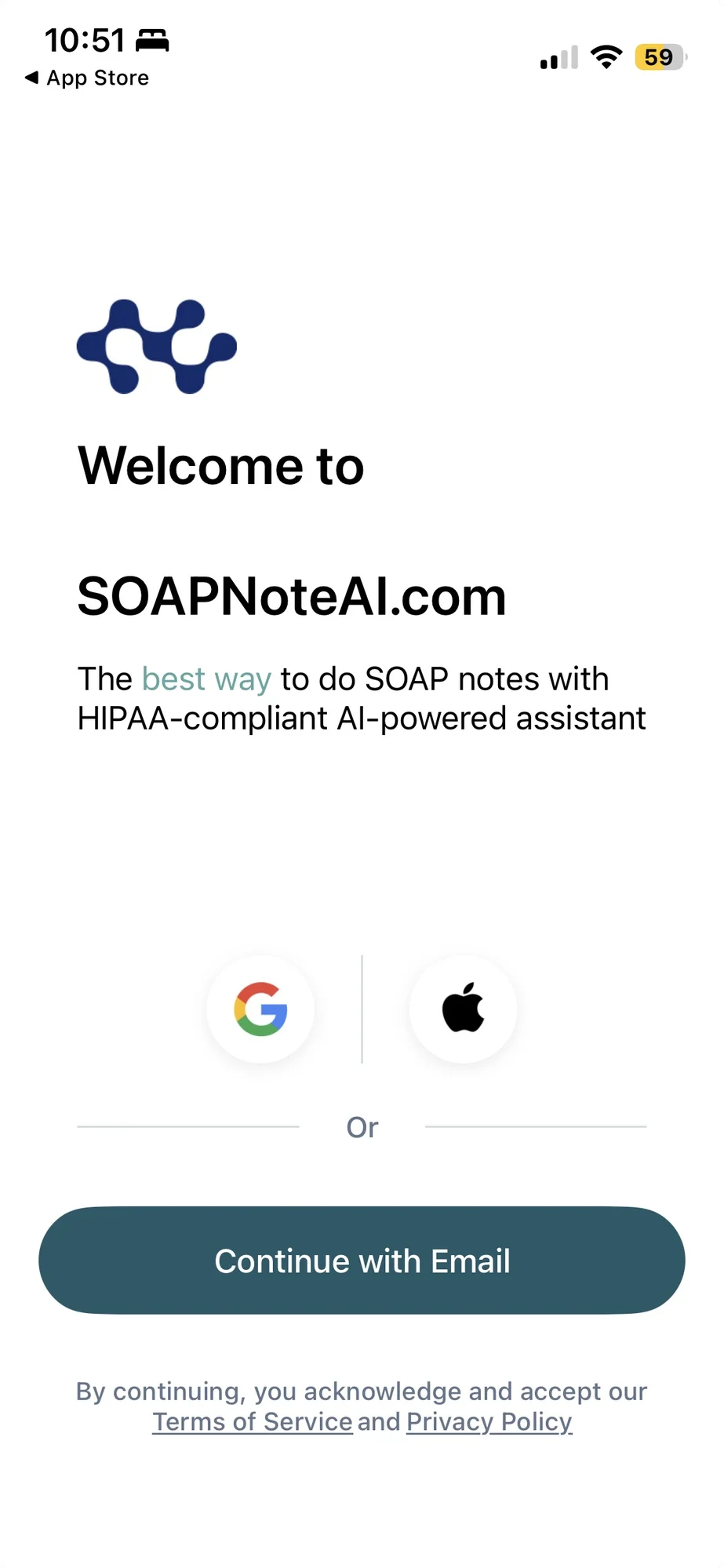
SOAPNoteAI pushed us toward that kind of thinking. The product already existed on web, so the mobile build was not a fresh playground. It had existing users, clinical note history, subscriptions, API contracts and OIDC login. The iOS app had to feel new without making the account system feel new — and that is a native build, not a wrapped web view.
When a product already has trust on web, the mobile app is not a second product. It is a promise that the trust will survive the move.
The most expensive decision is usually hiding outside the UI
Founders often judge this decision by screens: "We have 18 screens, so which approach is faster?" Screens matter, but they are not where the biggest surprises usually live.
The surprises live in auth, billing, permissions, App Store review, offline behavior, token refresh, native navigation, analytics, push notifications, and whether the existing backend was designed for mobile clients or only for a browser.
A hybrid app can become expensive if every key feature needs custom native modules — common with React Native when camera, background audio, or HealthKit enter the picture. A native SwiftUI app can become expensive if the backend assumes cookies, browser redirects, or web session state. A Capacitor wrapper can look fast until users notice the web view lag on every transition. The approach is visible. The integration layer is where the project either feels calm or starts to leak time.
On SOAPNoteAI, the OIDC flow looked like a login screen from the outside. Underneath, the details were less cute: callback URLs, token refresh, production-like redirect behavior, browser session assumptions, and the quiet failure modes that never appear in a polished estimate.
The founder version of the decision is simple
If you are choosing between native and hybrid, do not start with "which one is better?" Start with the product risk.
- Choose native when Apple-level interaction quality, device behavior, platform APIs, App Store polish or trust are core to the product.
- Choose hybrid when iOS and Android need to move together, the app is mostly product workflows, and the team needs to learn quickly after launch.
- Do not choose either blindly when the existing backend, auth or billing system has not been reviewed for mobile assumptions.
The scary part for founders is that every option has a cost. Native can cost more upfront and may postpone Android. Hybrid can move faster but may need native escape hatches for deeper platform behavior — or hit a ceiling if the product outgrows a web wrapper. A rushed choice can look cheap until the product starts succeeding. If you want to see how those trade-offs land on a budget, we broke down what $12k vs $80k actually buys.
Our honest default at Eightinity
We are biased toward native mobile craft. That is where our taste is strongest: SwiftUI, Apple-level interactions, motion, haptics, App Store quality, and interfaces that feel considered. If the product needs to feel premium on iPhone, we want native iOS on the table early.
But we are not religious about it. RueBlur shows why hybrid — React Native in that case — can be the right call for a creator platform that needs shared product learning on both stores. SOAPNoteAI shows why native iOS can be the right call when web trust, clinical workflows and platform behavior matter more than launching every surface at once.
The best decision is the one that keeps the founder sleeping better after the first release, not the one that wins an engineering debate.
FAQ
Should I build my app native or hybrid (React Native)?
Start with product risk, not framework preference. Choose native when platform behavior, performance, and Apple-level polish carry the product. Choose hybrid when iOS and Android must move together and the app is mostly product flows. The riskiest move is choosing either before reviewing your backend and auth.
Is React Native good enough for a serious mobile product?
Yes, for product-flow-heavy apps like feeds, dashboards, creator tools, and subscriptions. RueBlur runs on React Native because shared learning across both stores mattered more than platform-specific polish. It gets expensive when most features need custom native modules for camera, background audio, or HealthKit.
When is native iOS worth the extra cost?
When the app depends on the platform in ways users feel: camera work, background audio, Face ID, StoreKit, HealthKit, widgets, or a motion system that must feel tuned rather than translated. If the product needs to feel premium and trustworthy on iPhone, native earns its cost.
Can I start hybrid and move to native later?
You can, but treat it as a real migration, not a toggle. Hybrid moves faster early and may need native escape hatches as the product deepens. If you already know premium device behavior is core, starting native often costs less than rebuilding once the product succeeds.
Choosing between native and hybrid? Book a free 30-min scoping call →